For the past few months I have been working on a rhythm metroidvania game called Dissolver Digital. The game is very big, and development will likely take me quite some time, so I thought it'd be a good idea to start keeping a weekly devlog. Each week, I'll write a bit about one notable thing I worked on, or some aspect of the game development process that I think is interesting.
This week, I spent a lot of time assembling visual effects. One aspect of the game I've been experimenting with is the use of VFX as a gameplay mechanic: that means that at certain points in the level, I'll be using some very intense and elaborate shaders to try and distract or disorient the player. I've also been thinking about stacking lots of shaders as an aesthetic feature, a way to reach for interesting or elaborate visual styles that might be underexplored in other games.
For this level, I want a really loud and aggressive set of hyperpop shaders: bright colors, visual noise, and effects reminiscent of low-quality distortion or heavy Photoshopping. Here are some examples of things I'd been imagining while building the asset set:
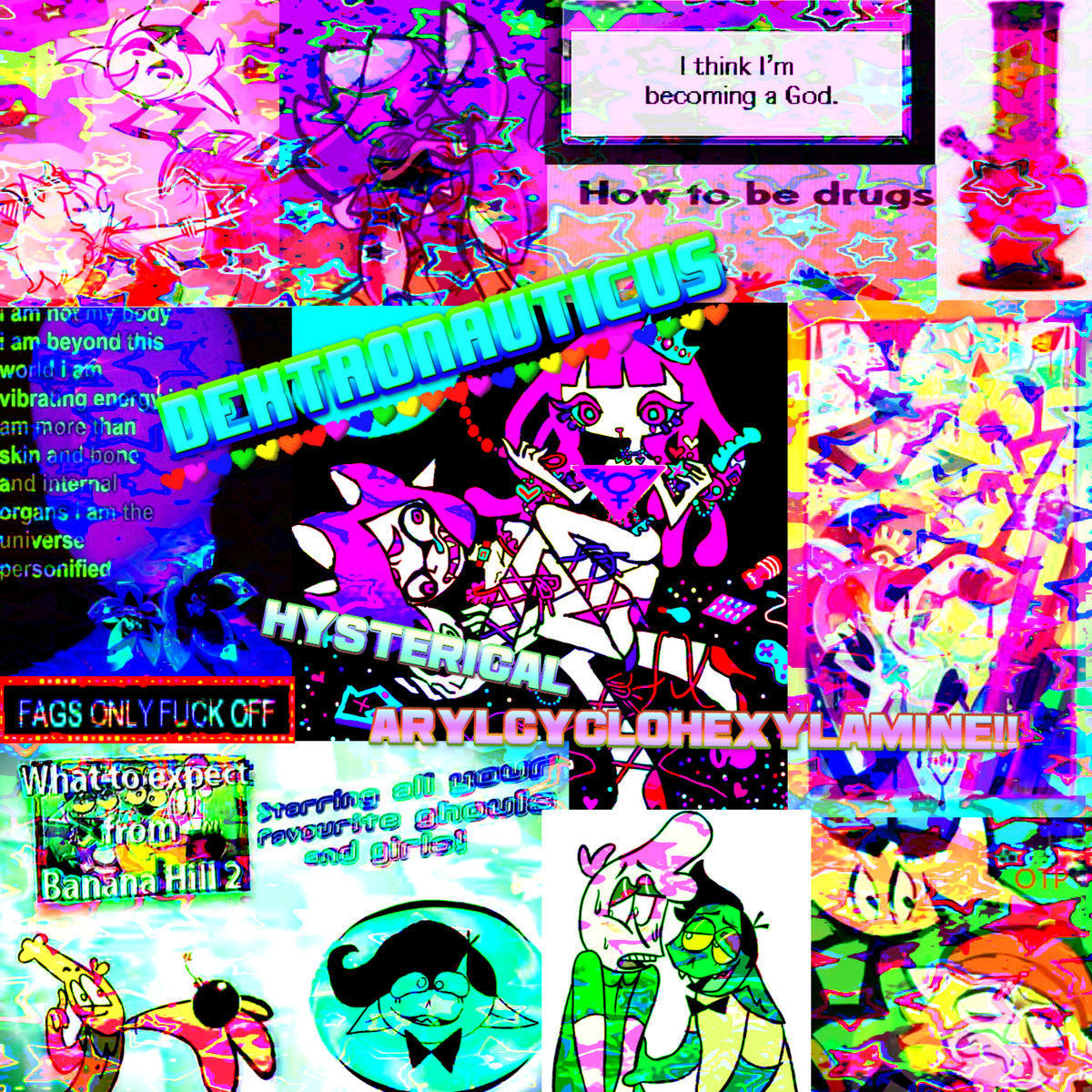
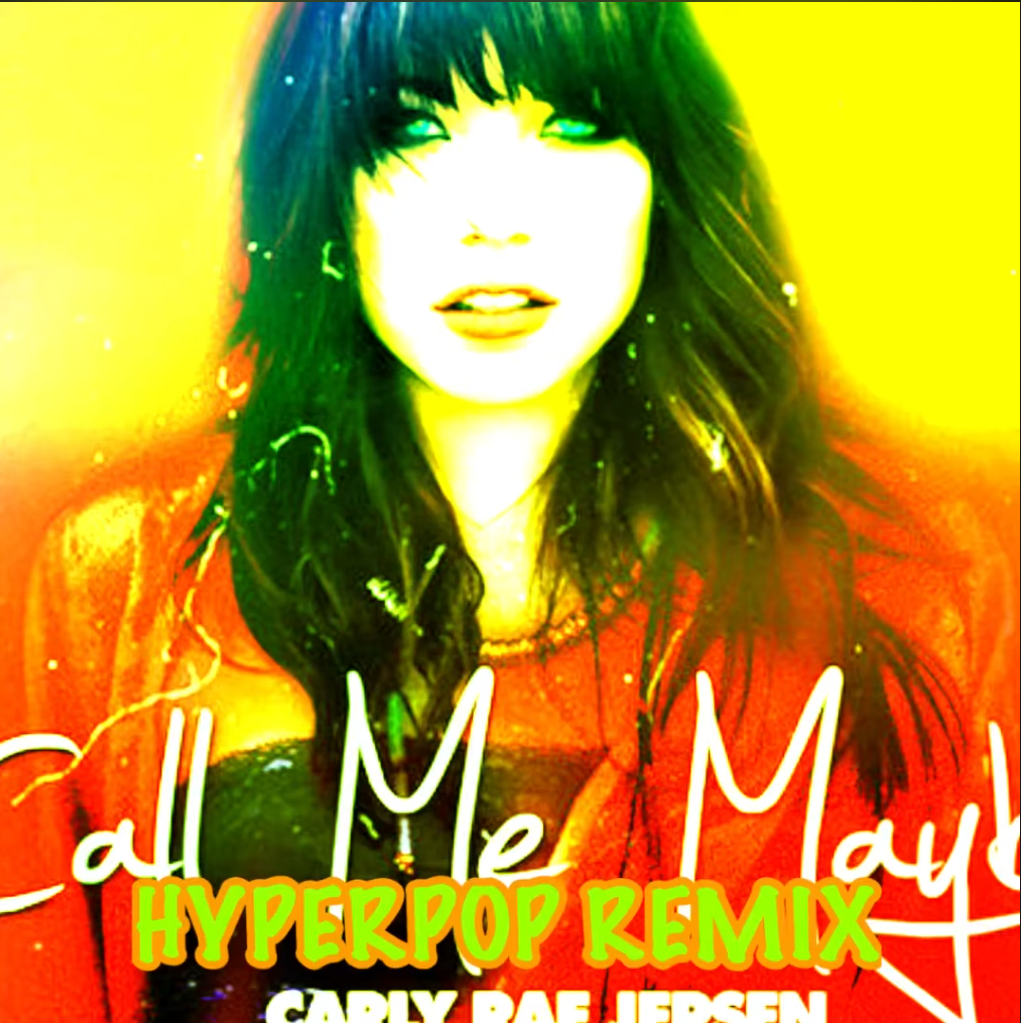
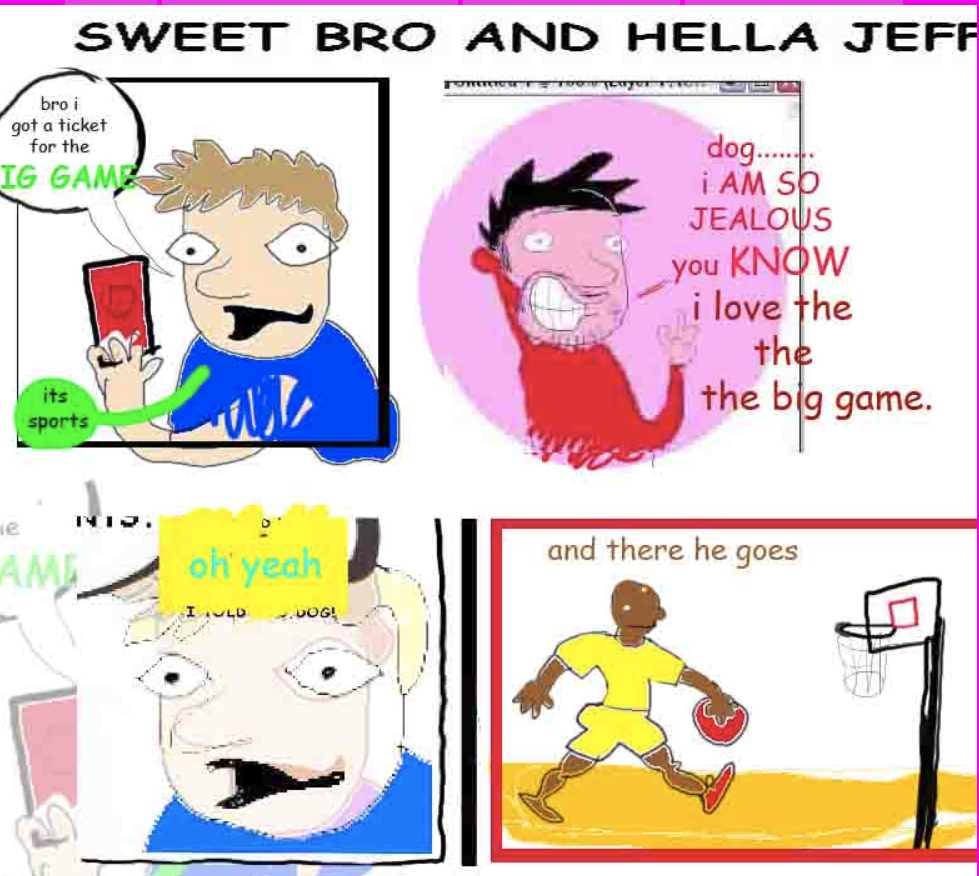
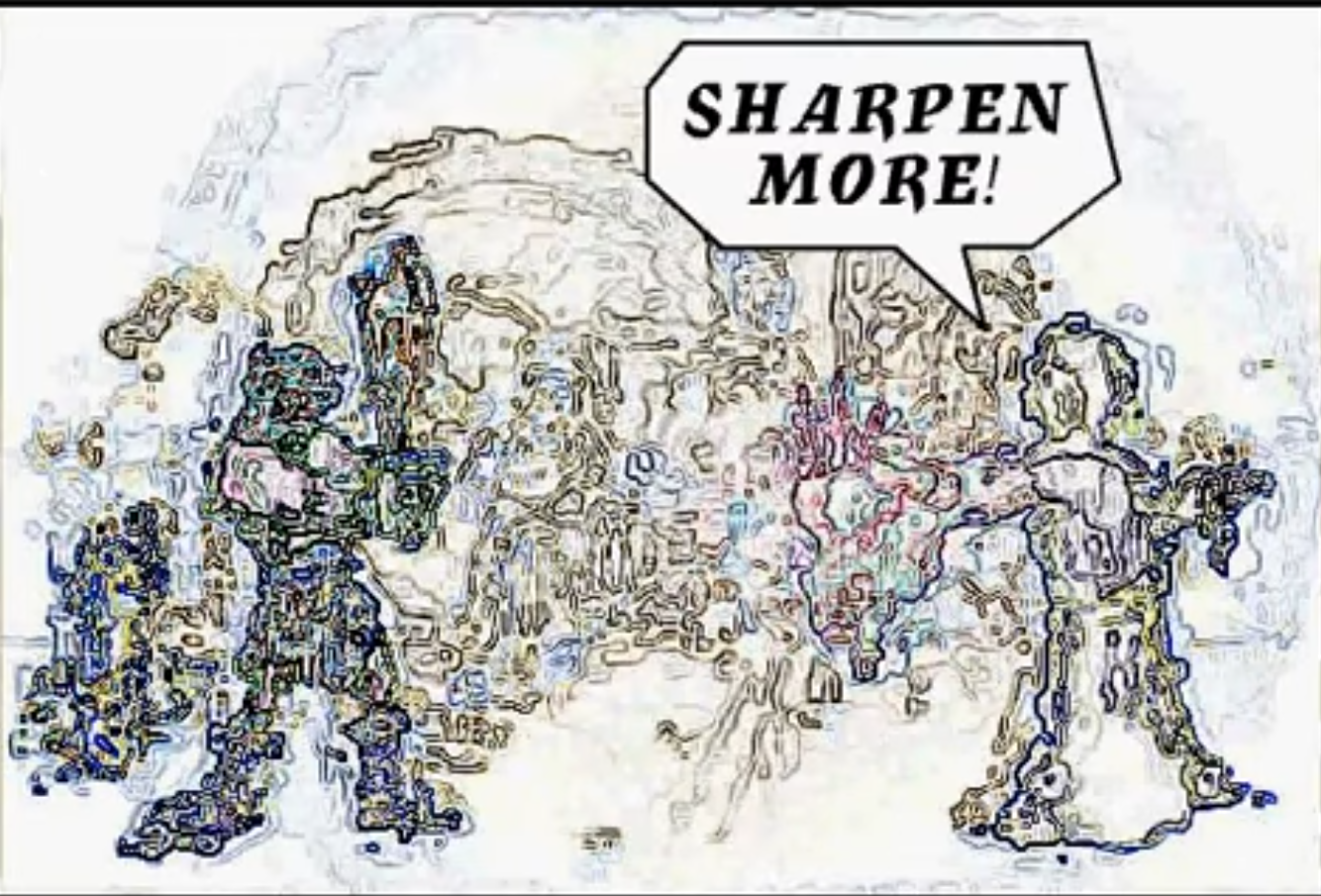
What effects can I find to make my level look like this? We can start with the low-hanging fruits: saturation, contrast, hue-shifting. These effects are pretty standard and this implementation in the Godot shader library has everything I need. What else? I think it'd be good to make the edges look sharper: here is a sharpen filter on Shadertoy, but it's not quite enough. Am I able to get something that works like the Photoshop "find edges" effect?
As it happens, yes, I am -- the effect is called a Sobel filter, and it's surprisingly performant. Here's what the level looks like when one is applied:
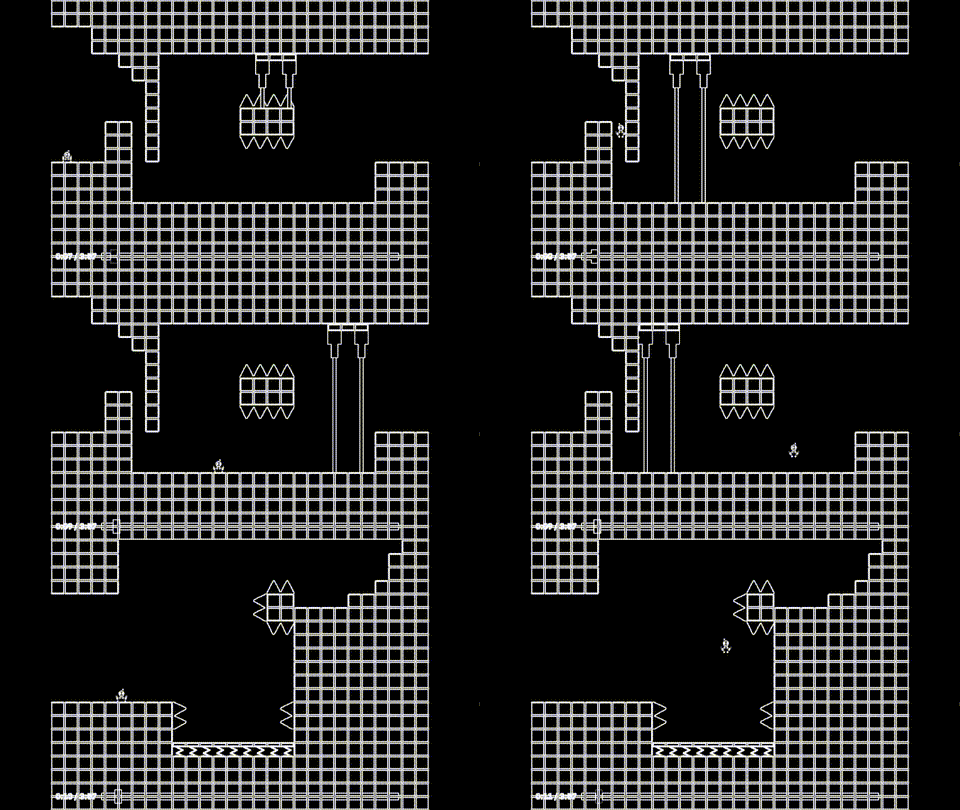
Awesome, but this vibe feels more suited to some kind of introspective Flash game from the mid-2000s than a manic hyperpop dream world. Unfortunately, the Sobel filter doesn't come with a lot of obvious knobs to turn the effect down. But luckily, I don't need one, because there's one knob nobody can take from me: the alpha channel. If I blend between Sobel-mode and the other color filters, using the music to control the degree of blend, I get something more like this:
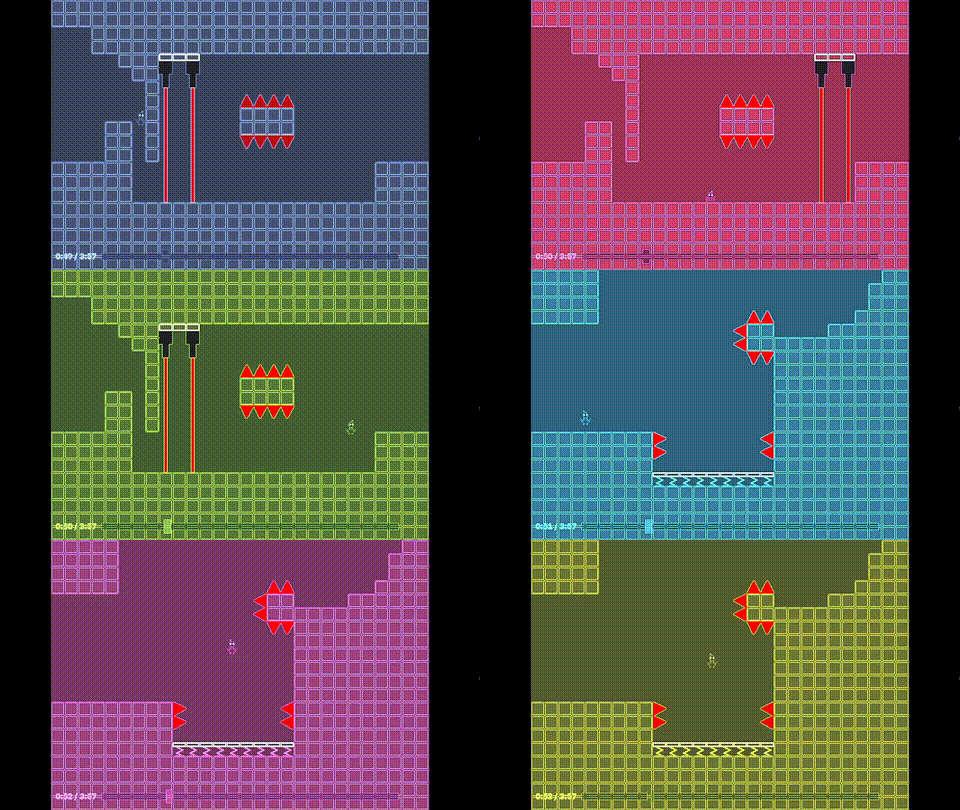
Good start. Now to crank down the quality: I want to deep-fry this sequence with as much JPEG artifacting as I can get away with. There actually is a realistic JPEG filter in the Godot shader library, but it's too costly to run at 60FPS; it takes around 28ms per frame on my PC. There are cheaper alternatives on Shadertoy, but they have another problem. A fast JPEG artifacter has two passes; the technical reason for this is mumble mumble, but the practical consequence is that to make it work in Godot I need to convert it from one shader into two. I've had to do this a couple times for other shaders in previous levels and it causes so many problems. For example, here's what my first attempt to transfer the two-pass JPEG shader looked like:

Now, this would be sick if I were trying to make some kind of haunted PS2 horror game. But it doesn't suit the mood, and also it looks nothing like JPEG compression. I spent several hours trying to fix this by myself, and then access to Claude Fable was globally renewed and it oneshotted the problem in five minutes. Not great news when it comes to my oncoming obsolescence, but whatever, at least the shader works.
These shaders are fun, but they aren't really making it any harder to focus on the level. Time to bring out the big guns. Here I decided to draw from an older shader I wrote back in 2024 for a long-past demo build of the game: an effect that rapidly scrolls the screen along the Y-axis, while offsetting in waves along the X-axis. It's inspired by the visuals when Giygas is dying in Earthbound, and after cleaning up my old work, I get this:

NOW we're talking. I tweak the knobs a bit at different points in the level for some trickier variants, and the scroll especially adds a delightfully frustrating new dimension to play. I have to keep refocusing my eyes to adjust to my new position. Combined with the eye-searing colors and compression artifacts, and I'm starting to feel pretty satisfied with where things are.
But I don't quite want to stop here. While this synthesis of effects feels "complete" to me, it's boring if the whole level has only one type of visual effect in it. After mulling it over, I settled on using the "Bad Apple!!" music video as a secondary distortion. It's not a perfect fit, but the frenetic forward momentum of the song seems pretty close to what I want, especially if I boost the speed. And there's something I find pleasing about making it a level mechanic; the music video is a common demo case for rendering video on old, cheap, or otherwise weird hardware; asking whether you can render Bad Apple on something is sort of like asking if it can run DOOM. If I had infinite free time I'd want to take this gimmick all the way and somehow try to render the video purely "in-engine", without using Godot's built-in video streaming, but I don't think I can justify the time cost for a trick that players won't even know is there. Instead I simply render the video to a sub-viewport, and invert colors in each spot where the video would show white pixels:
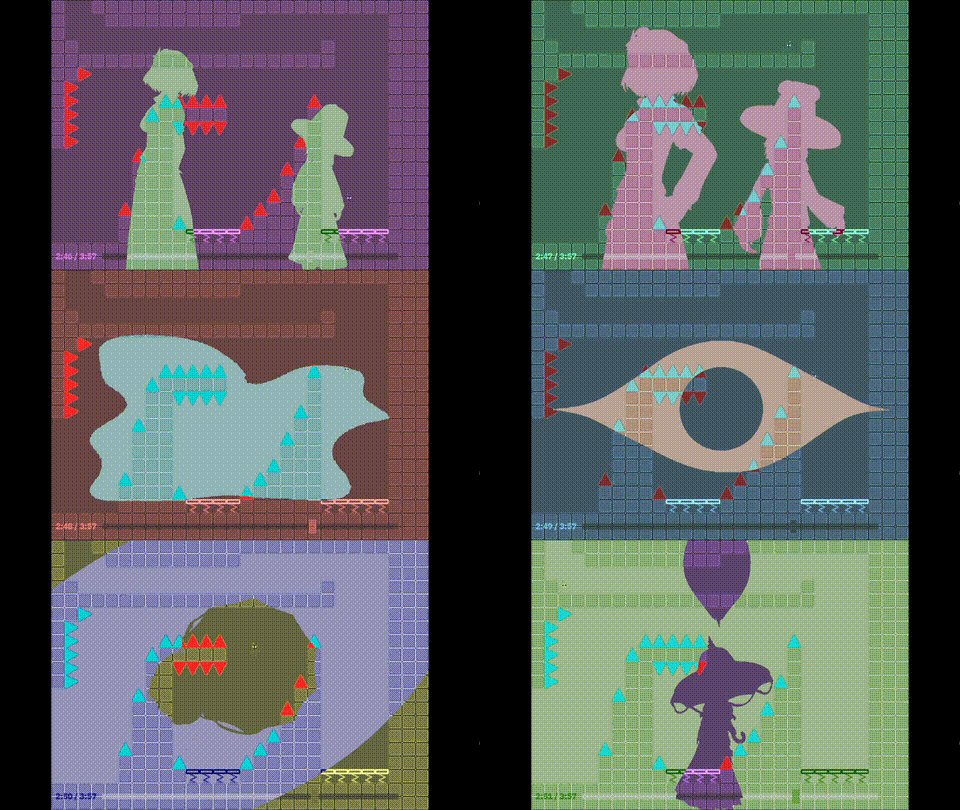
I'm not fully satisfied with this effect; it's a bit distracting, but still feels too easy to mentally filter out. When I test the level, the Bad Apple sections feel noticeably "clearer" than the others; some amount of this is fine, but I really want the player to be fighting against screen effects for almost the full level duration. I might go over and give this a 2nd pass later, maybe after the level background is in. That'll be a puzzle for another week, though. For now, thank you for reading.